
Last updated: May 2026
The DOJ recently extended the Accessibility Rule deadline from April 24, 2026, to April 26, 2027, establishing specific website accessibility standards for public entities under Title II. Naturally, many dental practice owners are uncertain about what standards their websites should follow to support ADA compliance. While the DOJ’s update is focused on government websites, accessibility remains an important issue for private dental practices under ADA Title III.
Practices whose websites do not meet accessibility guidelines under Title III, may face digital accessibility lawsuits, exposing them to potential legal and financial consequences.
ProSites dental websites are designed with accessibility best practices in mind out of the box, using WCAG-aligned structure, accessible navigation, and modern website frameworks that support usability for all patients. However, accessibility can evolve over time as websites are updated with new content, images, videos, forms, PDFs, and third-party tools.
What does ADA compliance mean for dental websites?
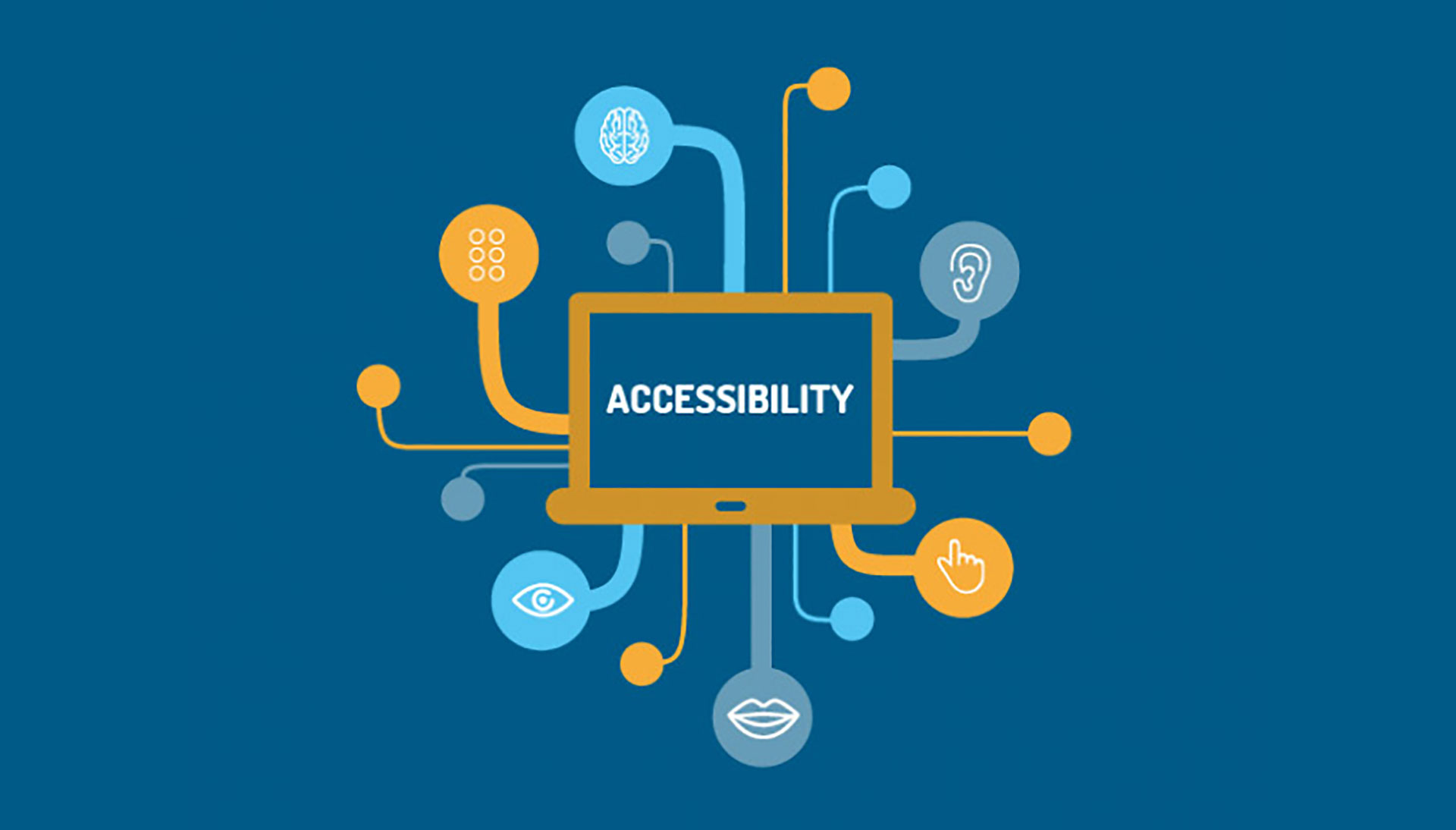
ADA compliance means your dental website is accessible and usable for all patients—including those with visual, hearing, motor, or cognitive disabilities. An ADA-accessible website helps patients easily schedule appointments, complete forms, read treatment information, and navigate your site without barriers.
For dental practices, accessibility is not just about reducing legal risk—it’s also about creating a more inclusive patient experience and ensuring every visitor can engage with your practice online.
What’s the difference between ADA, WCAG, and Section 508?
Dentists often hear all three terms used interchangeably, so here’s a simple breakdown:
- ADA (Americans with Disabilities Act): A U.S. civil rights law that requires businesses, including dental practices, to provide equal access to services. Courts increasingly interpret dental websites as “places of public accommodation,” meaning they must be accessible.
- WCAG (Web Content Accessibility Guidelines): The technical standard used to measure whether a website is accessible. For dental websites, WCAG 2.2 AA is a strong best-practice target for private dental websites.
- Section 508: A federal requirement for government sites; dentists don’t legally fall under 508, but its standards overlap with WCAG and reinforce best practices.
Together, these frameworks determine whether you have ADA compliant dental websites and whether your digital experience meets accessibility expectations.
Curious if your dental practice website is currently accessible? Complete a free check here.
Does this new DOJ deadline of April 26, 2027, apply to my dental practice?
Not exactly. The Department of Justice’s recent rule establishing specific web accessibility deadlines applies to public entities under Title II of the ADA—such as state and local government organizations. That rule requires covered public entities to meet WCAG 2.1 AA standards by set compliance dates.
Private dental practices, however, typically fall under Title III of the ADA, which governs businesses and healthcare providers that serve the public. While Title III does require dental practices to provide accessible digital experiences, the DOJ has not issued a formal rule mandating a specific WCAG version or a universal compliance deadline for private practices.
That said, courts and accessibility experts widely view WCAG AA standards as the benchmark for determining whether a dental website is reasonably accessible. Because of this, many practices choose to follow WCAG 2.2 AA best practices to reduce legal risk, improve usability, and align with evolving accessibility expectations.
In practical terms:
- The DOJ’s Title II deadline does not directly apply to most private dental practices.
- Private practices are still expected to make their websites accessible under ADA Title III.
- WCAG 2.2 AA remains the recommended standard for modern dental websites.
What are the dentist-specific benefits of accessibility?
Accessible dental websites provide more than legal protection—they support practice growth:
- Lower legal and compliance risk — Accessibility lawsuits are rising, especially within healthcare.
- More patient access — Patients with disabilities represent over 61 million Americans; accessibility directly improves usability for these individuals.
- Better SEO and conversions — Clean structure, descriptive text, and logical navigation help both search engines and patients understand your content.
In short, improving dental website accessibility supports both reducing accessibility risk and improving usability.
ProSites continuously monitors accessibility best practices and designs websites with accessibility-focused foundations in mind. However, accessibility is an ongoing process, not a one-time fix. Client edits, uploaded media, third-party integrations, and website customizations can all affect accessibility over time.
ADA-Compliant Dental Website Checklist (WCAG-Aligned)
This checklist aligns with WCAG 2.2 AA and covers the most common issues found on dental websites.
1. Content & Media Basics
These elements ensure text, images, and videos communicate clearly.
Are you properly describing visual content?
- Add alt text that explains what an image shows, especially clinical photos.
- Use descriptive link text (e.g., “Download new patient form” instead of “Click here”).
Are your videos accessible?
- Include captions and transcripts for procedure explainer videos.
- Ensure video players allow pause, rewind, and volume adjustments.
These steps support ADA website compliance checklist for dentists requirements and improve accessibility across all media.
2. Navigation & Forms
Patients must be able to navigate your website without a mouse and complete all forms independently.
Can users navigate your site using only a keyboard?
Check for:
- Logical tab order
- Visible focus states (highlighting the currently selected field)
- Skip-to-content links
Keyboard navigation is one of the top WCAG fail points for dentistry websites.
Are your online forms accessible?
- Add form labels for every field (First Name, Phone, Appointment Request Type, etc.).
- Provide helpful error messages and ARIA attributes where appropriate.
- Ensure appointment request tools, payment forms, and HIPAA forms follow accessible structure.
This ensures your ADA compliant dental websites support actual usability—not just surface-level compliance.
3. Design & Readability
Clean design is essential for WCAG 2.2 AA.
Is your contrast strong enough?
- Use color contrast ratios that meet AA standards (4.5:1 for text).
- Avoid low-contrast greys, especially for key navigation items.
Are your pages properly structured?
- Use a clear heading hierarchy (H1, H2, H3).
- Ensure your menus are consistent across pages.
Do links look like links?
Patients should be able to distinguish clickable elements visually—not only by color.
These elements shape truly accessible dental websites that serve all users.
4. Files & Embedded Content
Accessibility extends beyond webpages.
Are your PDFs accessible?
- Add tagged reading order
- Provide text-based versions of printable forms
- Avoid scanned images without selectable text
Do your third-party embeds meet accessibility standards?
Some tools, such as appointment schedulers, chat widgets, pop-ups, payment portals, and embedded videos, may unintentionally create accessibility barriers if they are not regularly reviewed.
Practices should periodically review website colors, images, videos, forms, PDFs, and third-party tools to help maintain accessibility as content evolves over time.
ProSites routinely evaluates core website functionality and accessibility-related best practices as part of our ongoing approach to dental website performance and usability.
How to Test Your Site Quickly
1. What quick checks can dentists do?
You don’t need to be a developer to catch major accessibility issues. Try these:
- Tab-through test: Press Tab and see if you can navigate your entire site logically.
- Color-contrast spot check: Test text against backgrounds using any free contrast tool.
- Headings map review: Ensure pages follow a consistent hierarchy (only one H1 per page).
These fast checks reveal 70–80% of common WCAG issues.
Dental practices can also check website accessibility for free online. Complete a free check here.
Frequently Asked Questions
What level of WCAG should dentists target?
Most practices should follow WCAG 2.2 AA, the widely accepted standard for ADA compliance for dentists.
Do ADA-compliant websites help SEO?
Yes. Accessible structure—headings, alt text, transcripts, link clarity—helps search engines understand and index your pages more effectively.
How often should we re-audit accessibility?
At least once per year, or anytime you add new design elements, forms, or interactive tools.
What changes typically require developer support?
- Navigation structure updates
- Form accessibility fixes
- ARIA labeling
- Video player modifications
- PDF remediation
ProSites builds ADA-compliant dental websites out of the box using accessibility-ready templates, WCAG-aligned structure, and ongoing updates to support compliance as standards evolve.
- Explore our Dental Website Design Services page
- Contact us to request an audit or consultation HERE
To learn how to implement this new feature on your website, click here. If you have additional questions about this feature, please contact ProSites at (888) 932-3644.